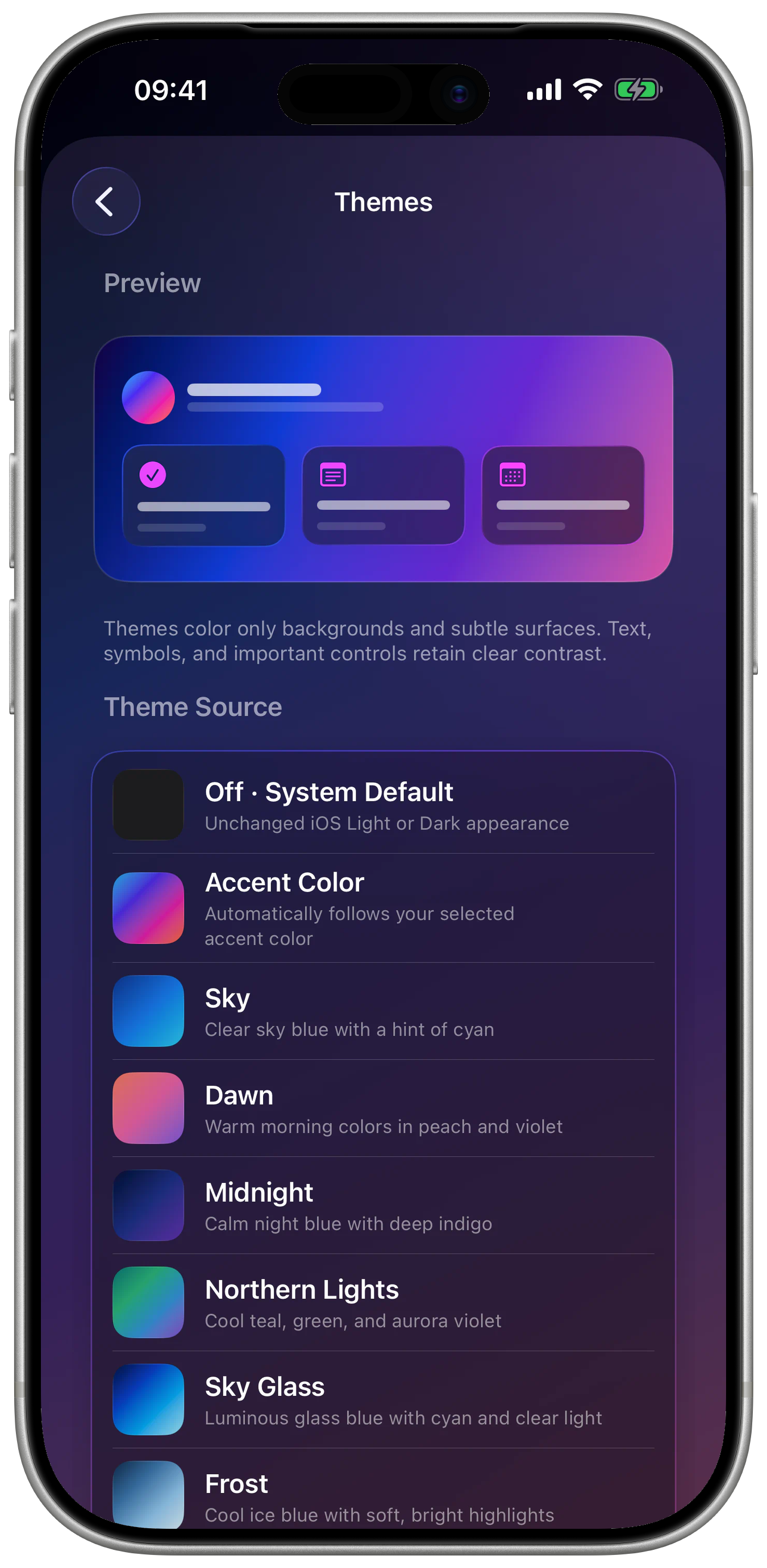
accent stylescolors and gradients
To-do app · Calendar · Notes · Focus
Your day.
Your focus.
iFocus Plus combines task management, calendar, notes, and focus in one calm task planner for iPhone and iPad — with no subscription or tracking.
Explore iFocus Plus
Available now for iPhone and iPad – one-time purchase, no subscription.
One-time purchase · $12.99Available offlinePrivate iCloud syncFor iPhone & iPad
alternate app iconsfor your Home Screen
widget typesToday, To-dos, Notes
focus methodsPomodoro and stopwatch
One day. Many roles.
Made for real days — not perfect routines.
Work, study, family, or personal projects: iFocus Plus keeps the relationships visible without turning your life into a complicated system.

8:10 AM · Start clearly
Turn a thought into a plan you can act on.
Collect new tasks in the Inbox, place events, and use Today to see what genuinely matters first.
7:30 PM · Work deeply
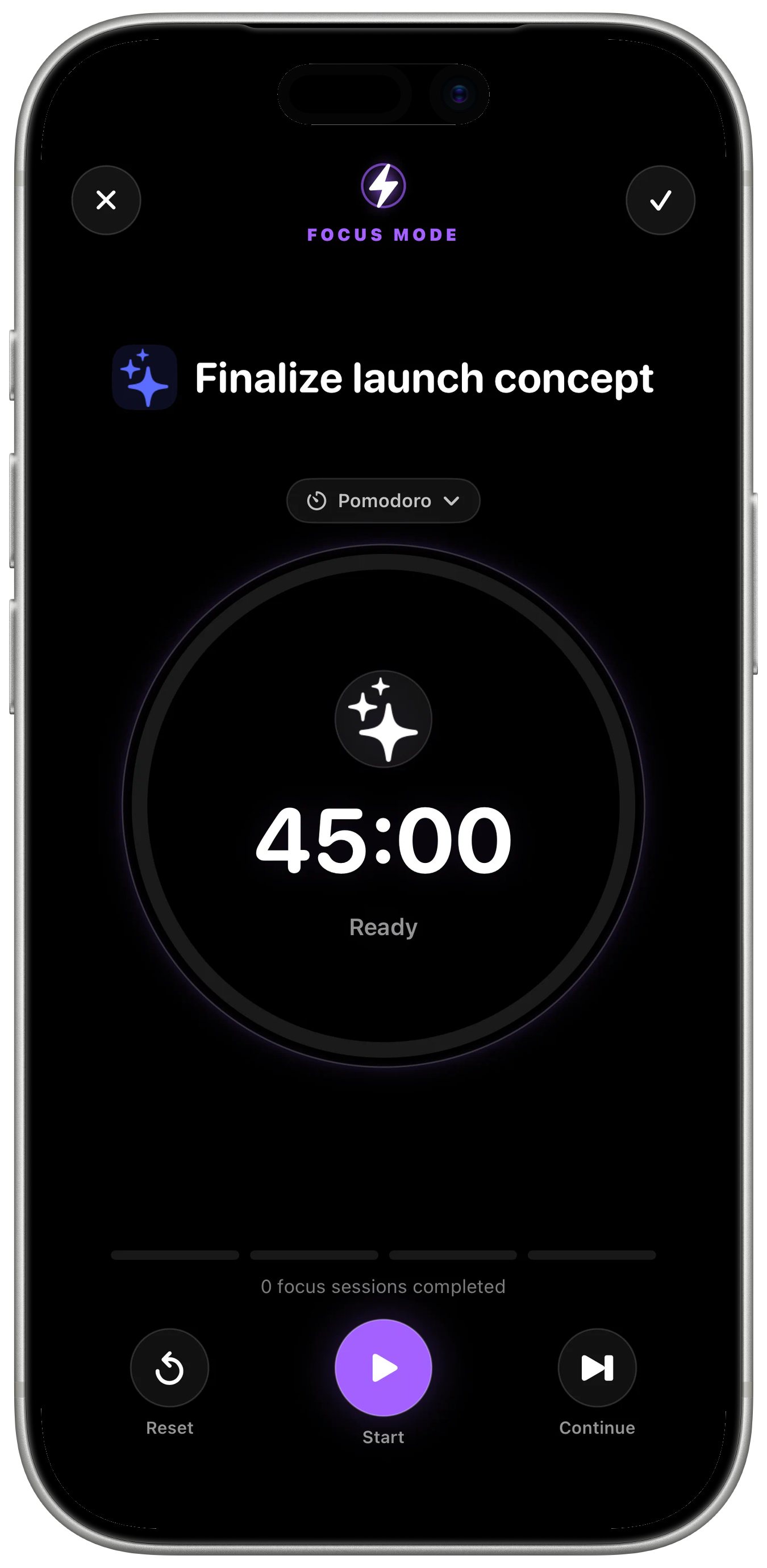
One task. One timer. Less friction.
Connect an open task to Pomodoro or stopwatch and enter a reduced full-screen experience.The app in detail
Explore the core features.
Open real iFocus Plus views, switch between key areas, and try example workflows directly.
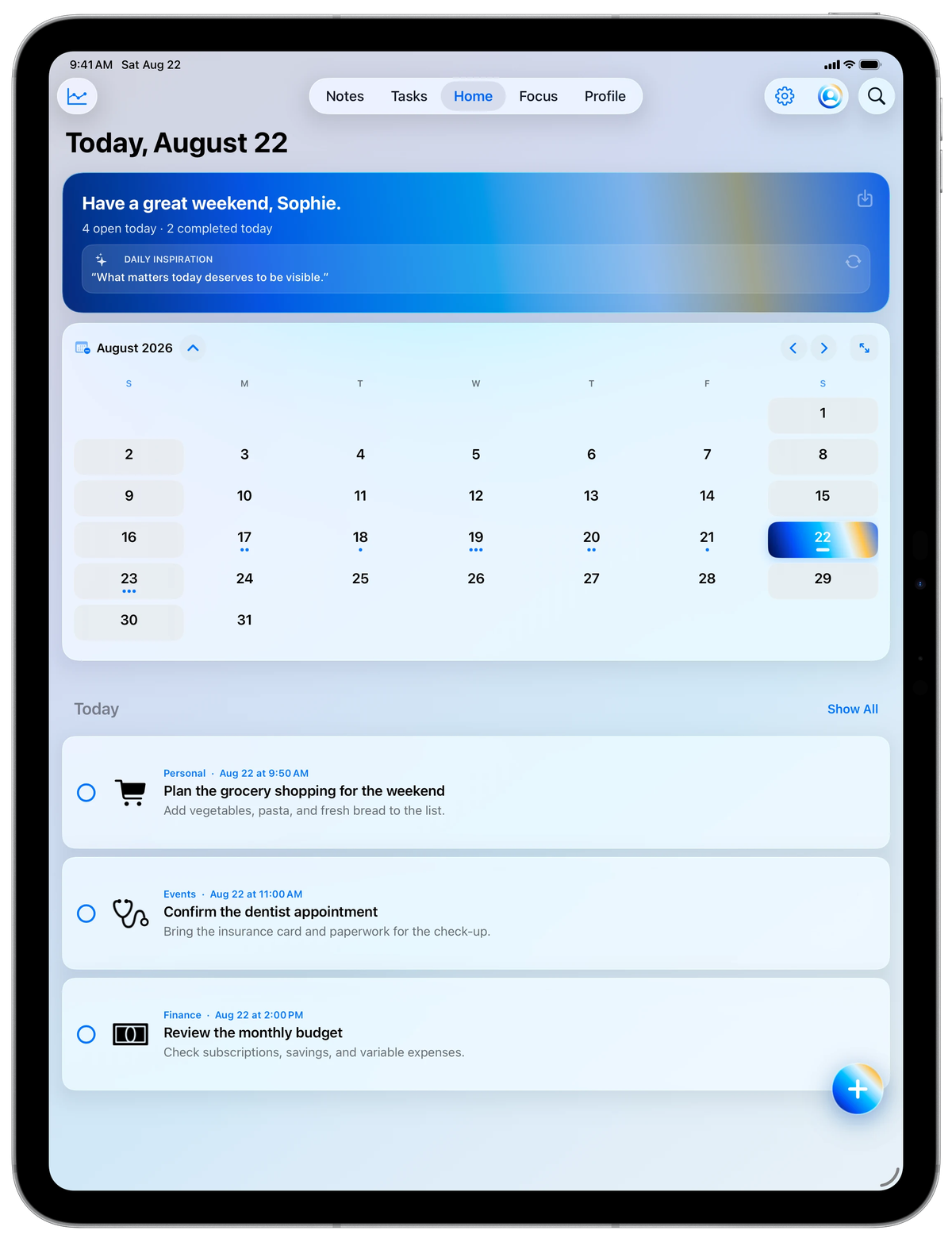
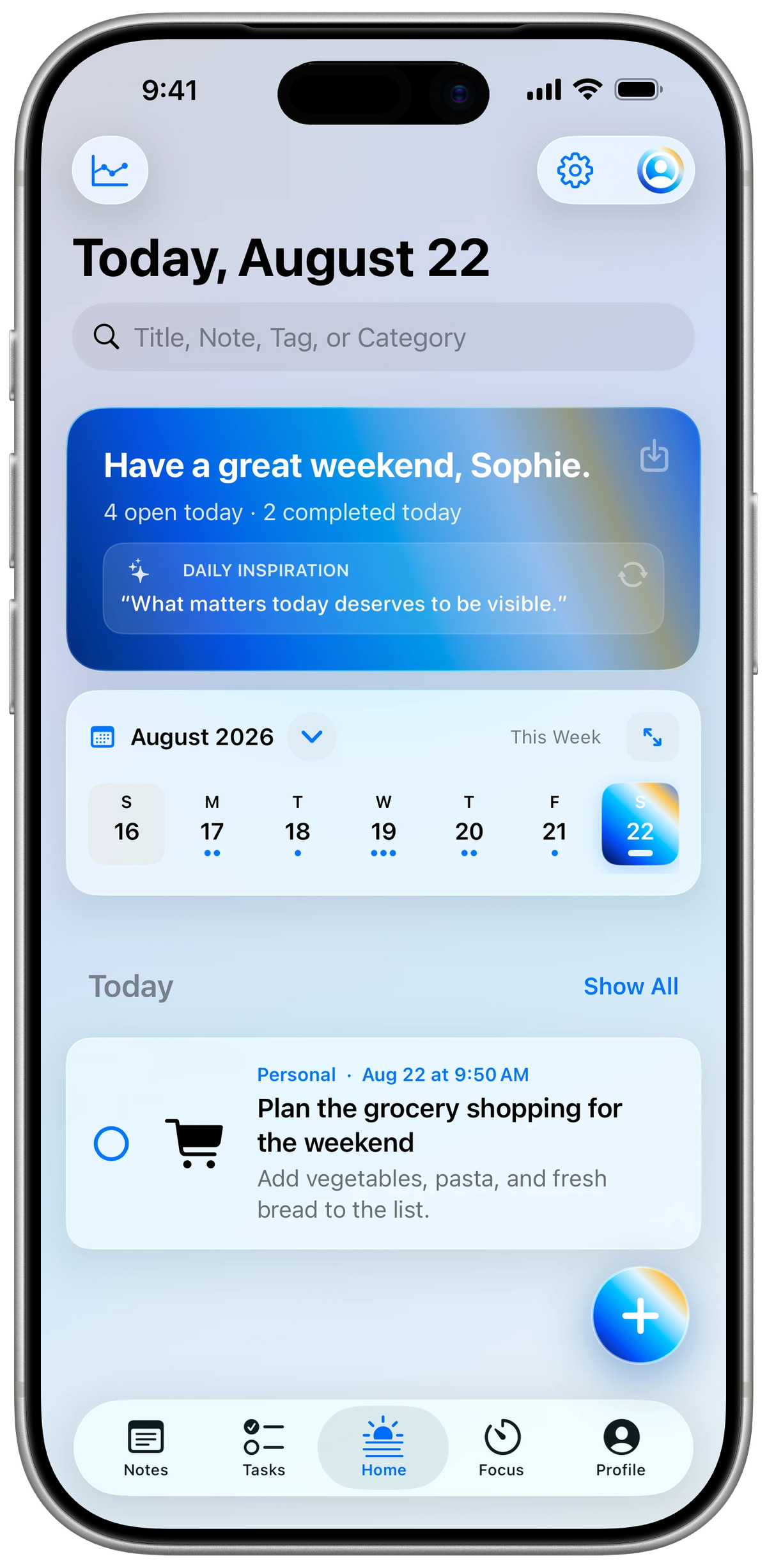
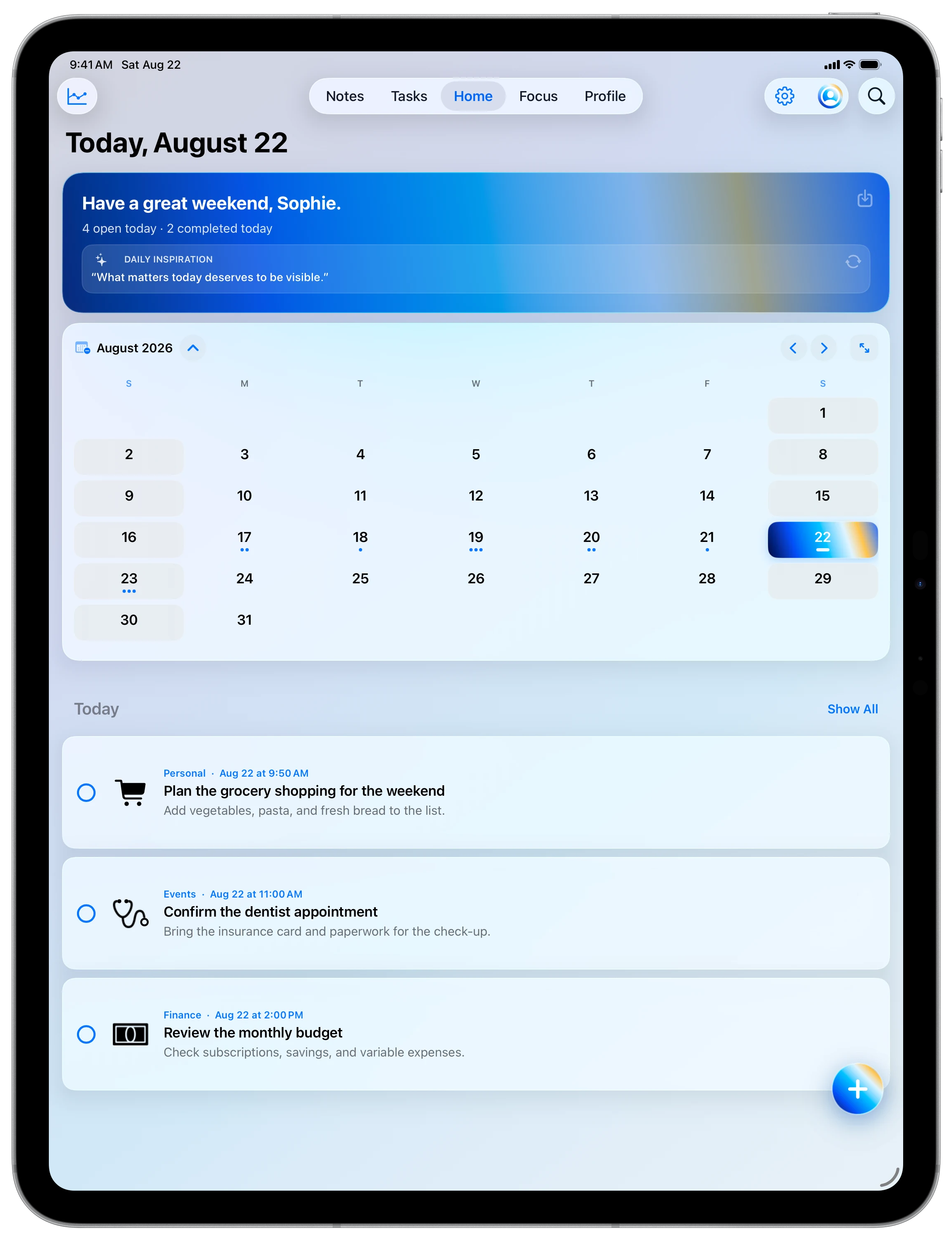
Today
Tasks, personal events and — if you choose — content from Apple Calendar and Reminders appear in one shared overview.
Capture
Create tasks and events with a date, time, symbol, description, priority, tags, reminder, or image.
Calendar
Move between day, week, and month views and optionally include existing items from Apple Calendar and Reminders.
Moments
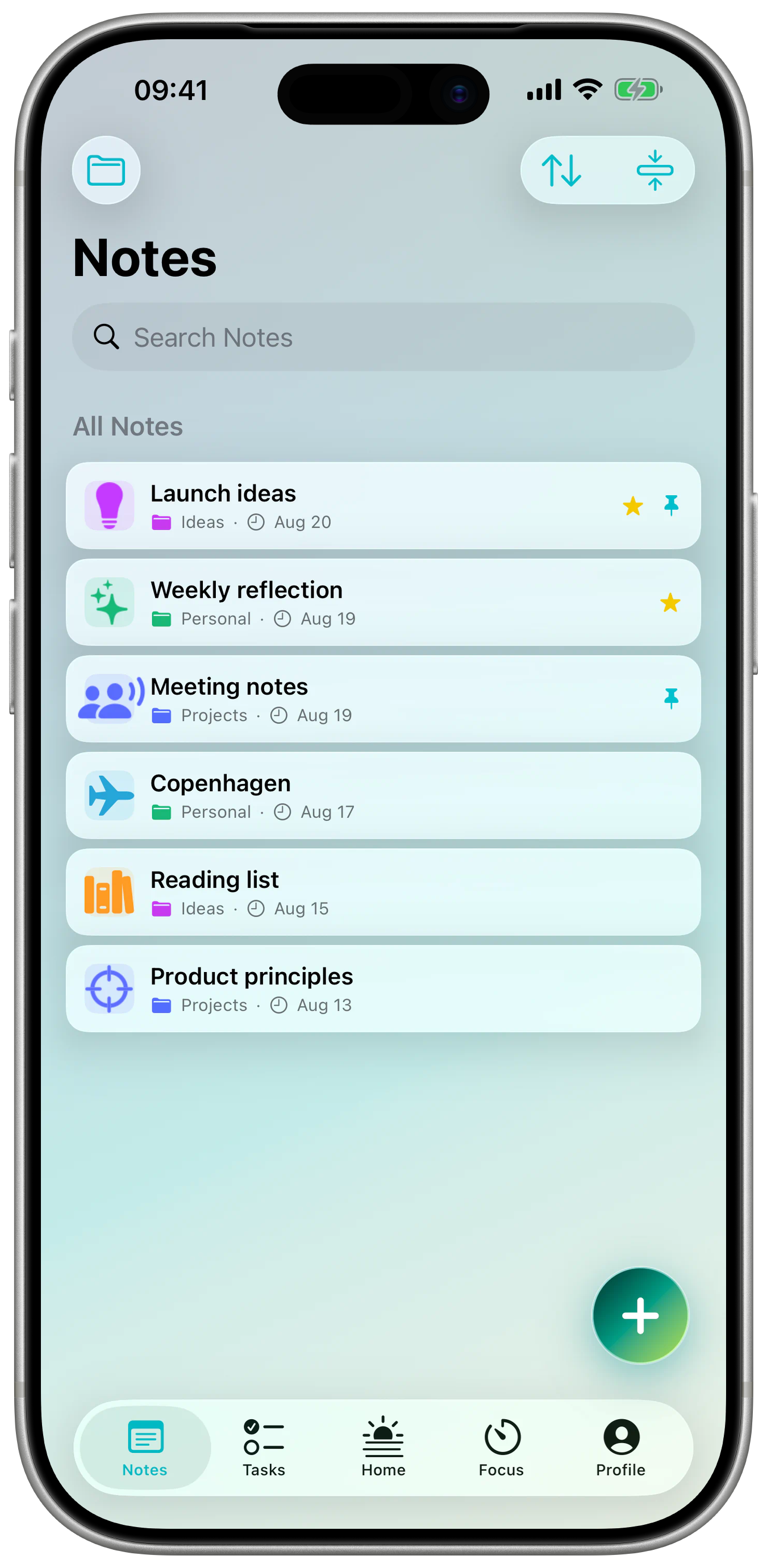
See iFocus Plus on iPhone and iPad.
Real iFocus Plus views in complete device mockups. Move between spacious iPad context and compact iPhone flows for focus, notes, calendar, and personalization.
Available now. Possible later.
Available for iPhone and iPad.
iFocus Plus is now available on the App Store for iPhone and iPad. Other platforms are idea spaces — not announcements or committed dates.
iPhone
iOS 17+The complete app with tasks, calendar, notes, focus, and widgets.
iPad
iPadOS 17+An adaptive interface with spacious overviews and landscape support.
Home & Lock Screens
IncludedWidgets for Today, To-dos, and Notes.
Other platforms
Idea spaceMac, Watch, or web will only be evaluated when they can become a genuinely good experience.
What does “idea space” mean?
Transparency before hype
“Idea space” marks a possible direction, not a product announcement. There is no date or committed feature. Once something becomes definite, it will receive an explicit status.
Private. Even offline.
Your life is not a data set.
iFocus Plus is designed so that organization works without an ad profile, account requirement, or hidden analytics.
Read the full Privacy PolicyLocally available
Tasks and notes remain usable on your devices even without a network connection.
Private iCloud sync
The iPhone/iPad app syncs your content directly through your private iCloud storage.
No tracking
No advertising or analytics trackers observe how you use your planning.
Community preview
Questions, ideas, and feedback in one place.
The Community is not public yet. The preview already shows discussions, replies, and reporting routes; posting will open only with verified accounts and tested moderation.
Questions, answered precisely
Clear answers without fine print.
The most important questions about pricing, privacy, integrations, and release.
01Is iFocus Plus a subscription?+
No. iFocus Plus is a paid one-time purchase of $12.99 with no subscription, in-app purchases, or recurring app fees. The purchase covers the published Version 1.0.0 (5) feature set. Future updates may be released, but are not promised. The published App Store product page remains definitive.
02Do I need an account?+
Not for the iFocus Plus app: it works locally and offline. Only the optional, separately operated Community will require a verified Community account.
03Does iFocus Plus modify Apple Calendar and Reminders?+
iFocus Plus can optionally display content from Apple Calendar and Reminders. Calendar events can be opened and changed through the iOS system editor, and editable Apple Reminders can also be changed. This is a system-supported integration, not bidirectional cloud syncing operated by iFocus Plus.
04Where is my content stored?+
Content remains available locally on your devices. If iCloud is enabled and available, it can sync through your private iCloud storage.
05Where can I get iFocus Plus?+
Available on the App Store for iPhone and iPad since 13 October 2026.

06Are Mac, Watch, or web confirmed?+
No. Other platforms are currently marked as idea spaces only. That creates neither a date nor a promise.

iFocus Plus
Make room for what truly matters.
For your iPhone & iPad.
Buy once. Yours forever.
The complete feature set, including future features — with no in-app purchases.
No subscription.
Available now for iPhone and iPad – one-time purchase, no subscription.