Find it again
Inbox, search, filters, favorites, archive, and trash help as a handful of items becomes many.
 iFocus Plus
Task planner · try it here
Explore iFocus Plus as a task planner and see how tasks, calendar, notes, and focus work together — with real interfaces and interactive examples.
The app in detail
The tour uses real iFocus Plus views to show how tasks, calendar, notes, and focus work together.
Real app view
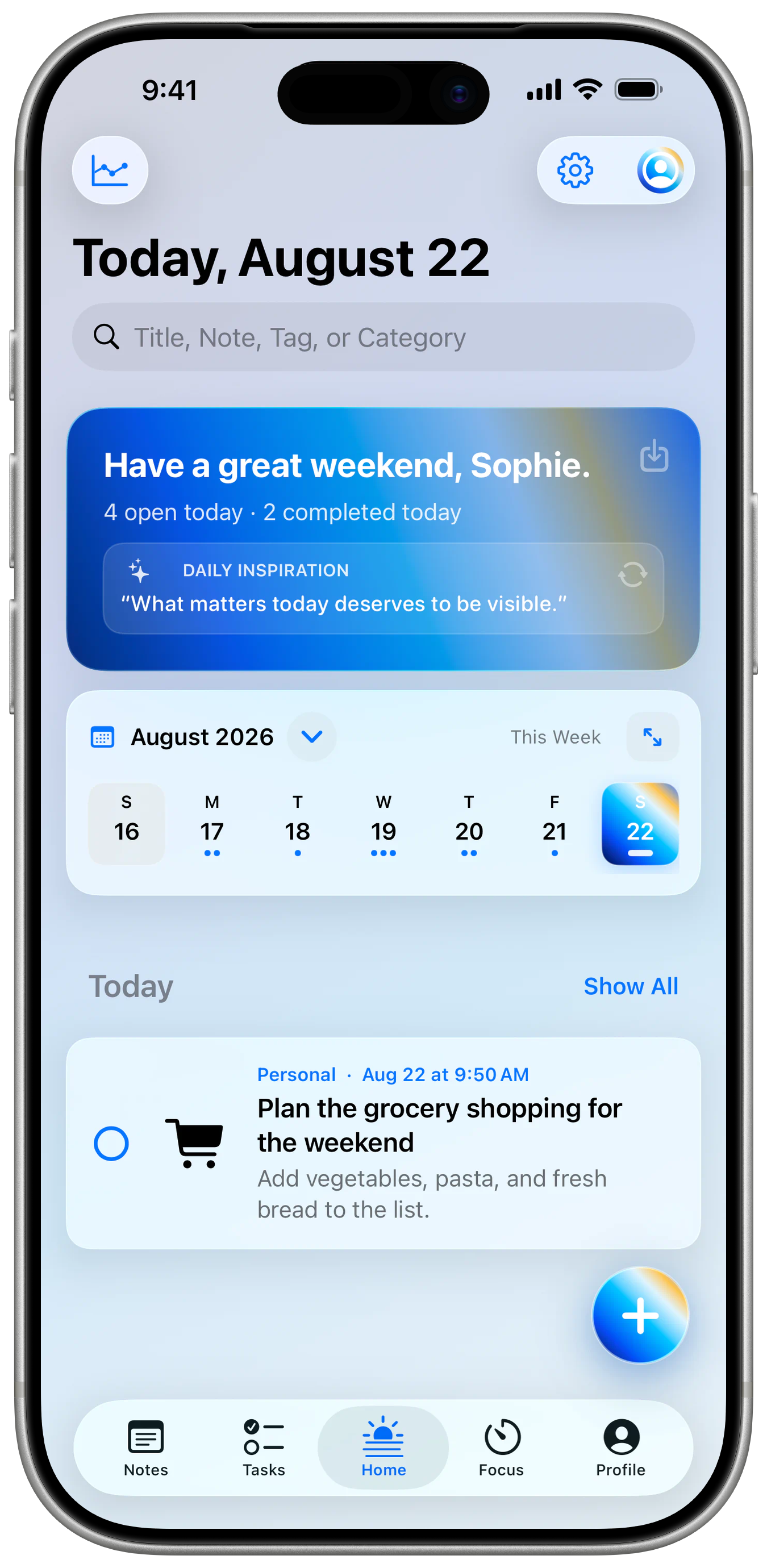
Tasks, personal events and — if you choose — content from Apple Calendar and Reminders appear in one shared overview.
Included tools
Example workflows
These scenarios are not rigid templates in the app. They show how existing iFocus Plus tools can combine for very different kinds of days.
Interactive website demo · changes are not saved
Creative project
Tasks, image notes, events, and focus sessions form a clear path through a multi-step project.
More than a to-do list
The visible interface stays calm. Underneath are tools for organizing, finding, protecting, and personalizing your work.
Inbox, search, filters, favorites, archive, and trash help as a handful of items becomes many.
Export content as CSV, PDF, or PNG and create an iFocus Plus backup to restore later.
Bring Today, To-dos, and Notes to Home and Lock Screens without opening the app every time.
Accent colors, gradients, intensities, themes, and alternate icons make the workspace personal.
If you choose, your private iCloud storage can sync content between iPhone and iPad.
The iFocus Plus app needs no separate account or advertising profile and does not analyze your tasks or notes. An optional Community account is separate.
Available now. Possible later.
iFocus Plus is now available on the App Store for iPhone and iPad. Other platforms are idea spaces — not announcements or committed dates.
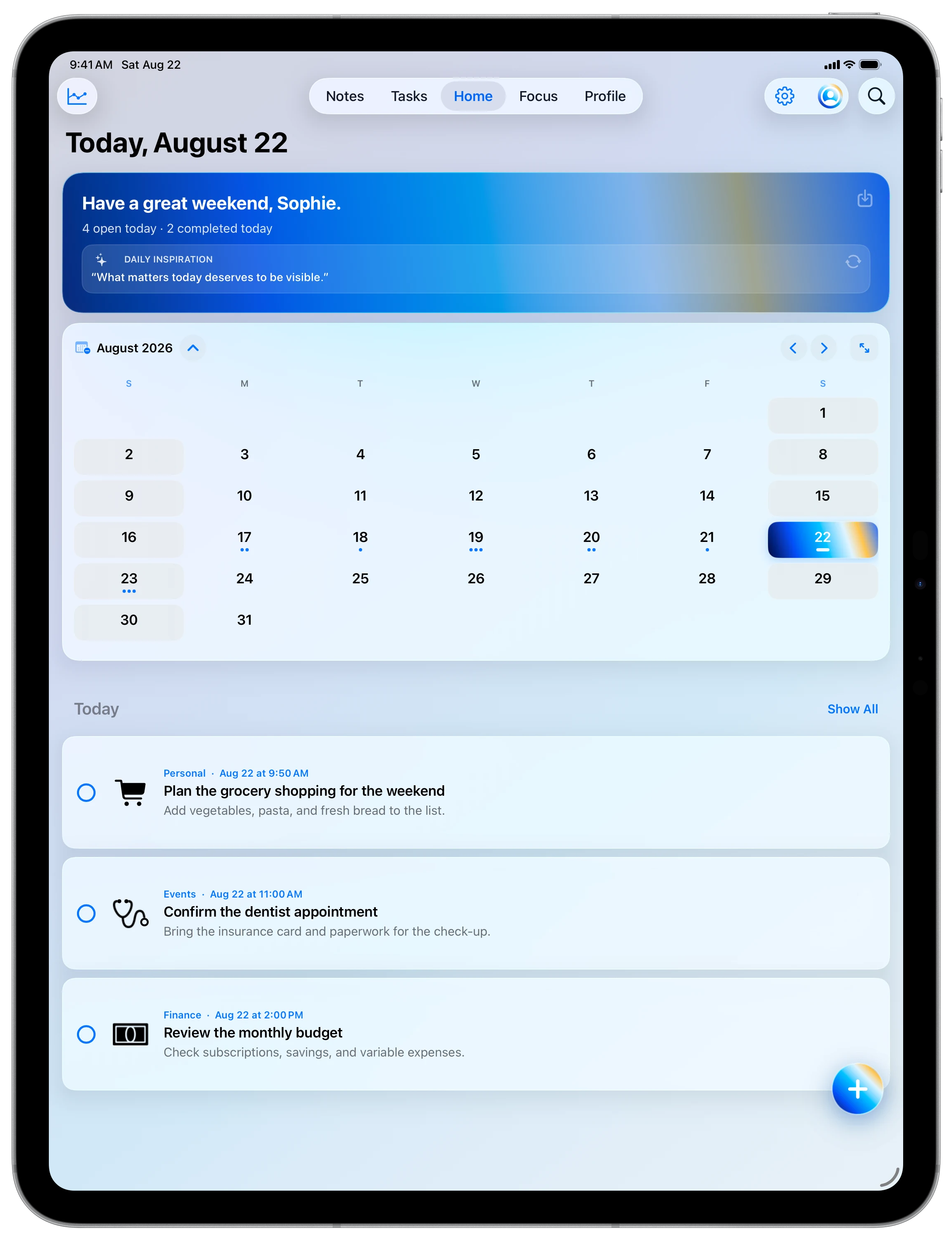
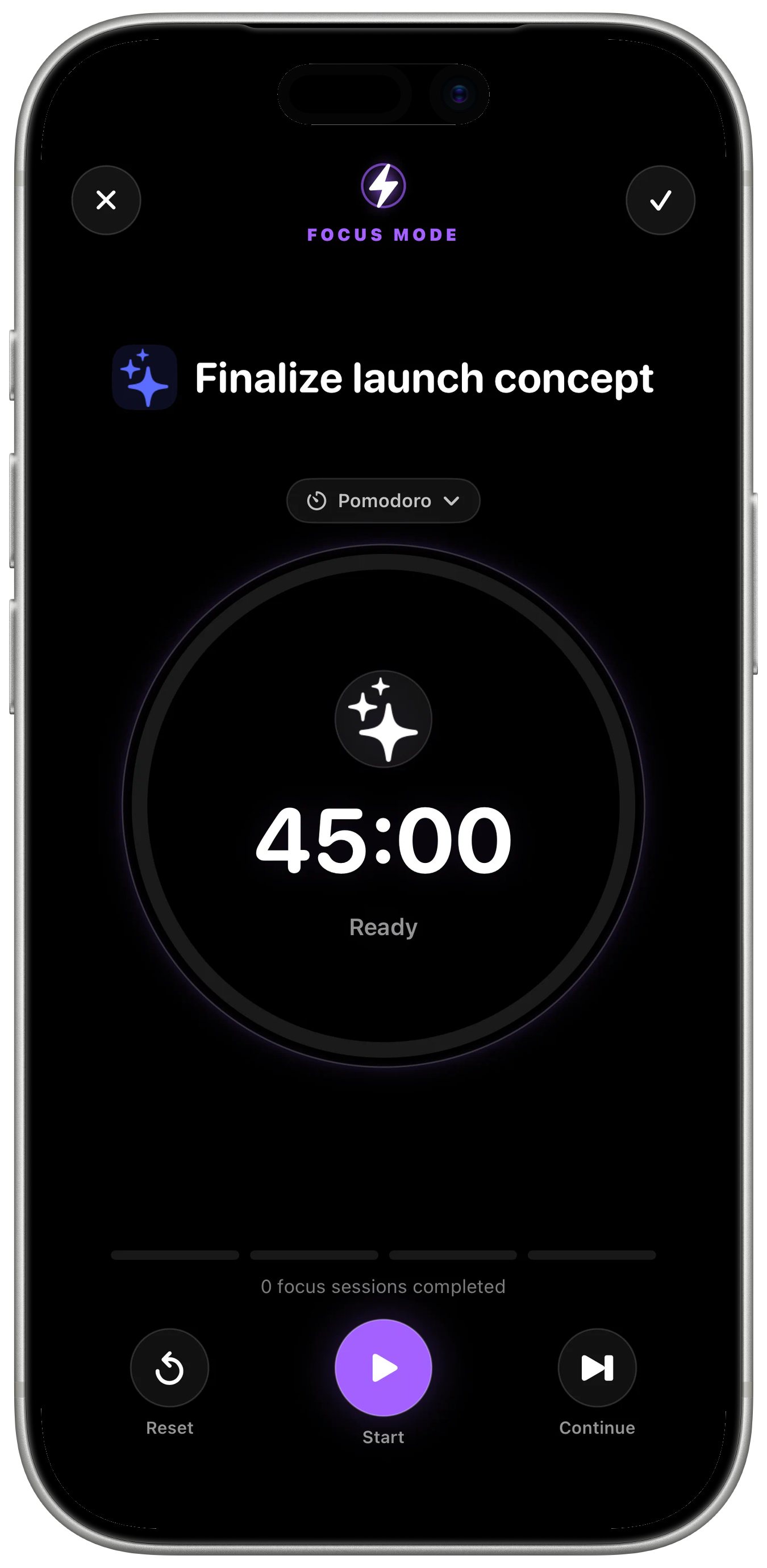
The complete app with tasks, calendar, notes, focus, and widgets.
An adaptive interface with spacious overviews and landscape support.
Widgets for Today, To-dos, and Notes.
Mac, Watch, or web will only be evaluated when they can become a genuinely good experience.